Practisim Designer
Sign In Try Practisim Designer Web

Practical 3D planning for match directors and stage designers

Build better shooting stages, anywhere.

Design USPSA, IPSC, IDPA, PCSL, and practical shooting stages in 3D. Review your layout, create clear setup views, prepare stage briefings, and make changes from the range.

  • Runs in your browser
  • Imports and exports .STG files
  • Works across supported devices
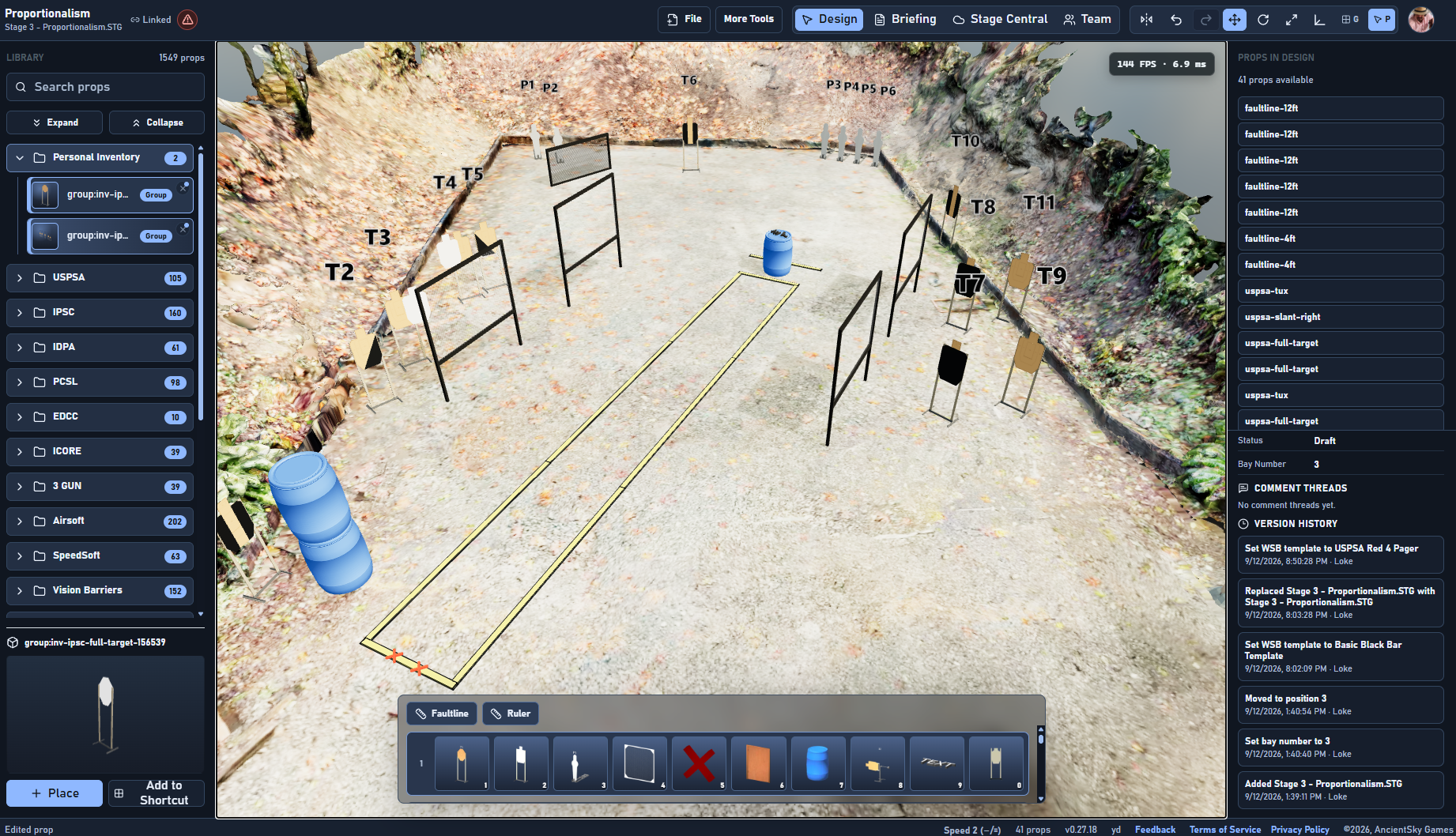
Practisim Designer Web editor showing a measured 3D practical shooting bay with targets, walls, fault lines, steel, prop library, and editing controls
See the stage, not just the diagram. Live 3D editor

Design your stage at home. Review it with your crew. Build it correctly at the range.

  • Built for practical shooting
  • More than 1,500 searchable props
  • Practisim .STG compatible
  • Browser access on supported devices

A clearer setup plan

From the first wall to the final crew view.

Practisim is a stage-planning system built around the decisions match staff actually make before setup day.

Design it

Build inside a correctly sized bay using walls, targets, steel, fault lines, props, and discipline-specific practical-shooting equipment.

Check it

Review measurements, openings, movement paths, target visibility, angles, and saved camera views before materials move onto the bay.

Build it

Give the match team clear stage images, briefing information, and visual references they can use while setting the stage.

Why 3D matters

A stage diagram should show more than where the props go.

Flat plans remain useful, but they can make openings, target visibility, wall relationships, and shooting positions difficult to judge. Practisim lets the design team inspect the same stage from multiple viewpoints before setup day.

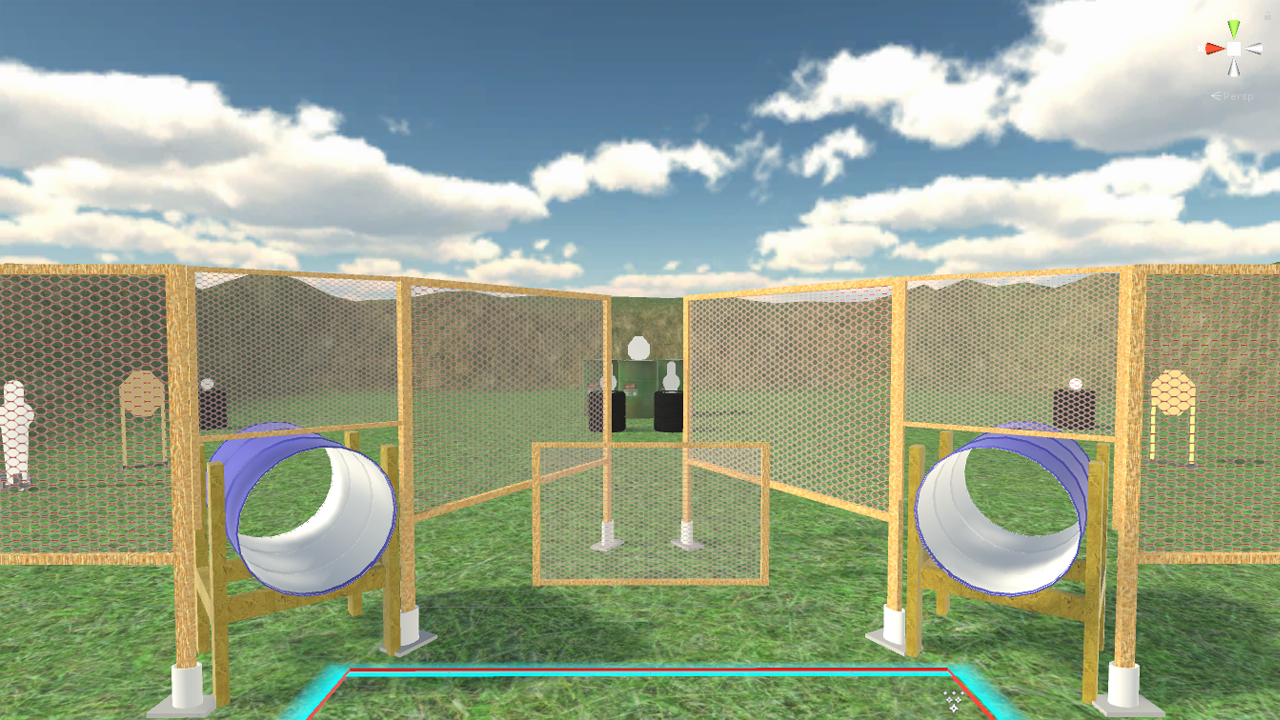
Saved camera views showing the same 3D stage from an overhead setup angle and a lower shooting-position angle
Inspect the stage from useful viewpointsSave the views your crew needs
3D stage editor with rulers, walls, fault lines, targets, and prop controls
Adjust the working layoutCheck spacing, placement, and angles
Written Stage Briefing editor with stage details and HTML export controls
Carry the plan into the briefingKeep setup references with stage information

The browser edition

Your stages are not tied to one computer.

Start at home, open the project from another supported device, and make the correction while the crew is still looking at the bay.

  • Work from a desktop, laptop, tablet, or phone on supported browsers.
  • Make layout corrections from the range without installing the desktop application.
  • Import existing Practisim .STG stages and export edited files.
  • Save useful camera views and prepare written stage briefing material.
  • Use supported mobile, AR, or VR viewing tools where available.
Stage Central inside Practisim Designer Web with shared stages, search, download, and upload controls
Stage Central in the browser app Account access

Choose the workflow that fits the way you design.

The free desktop application remains a strong choice. The web edition adds account-based browser access and hosted services for designers who want to move between devices.

Free desktop application

Practisim Designer Desktop

A traditional installed workflow for designers who prefer to keep their stage work on a desktop machine.

  • Installed through Steam
  • Strong local desktop workflow
  • Practisim .STG file compatibility
  • Simulation, measuring, and PDF export tools

Subscription web service

Practisim Designer Web

A browser workflow for moving between supported devices at home, at the range, and wherever stage work happens.

  • Runs in a modern browser
  • Account-based access across supported devices
  • Practisim .STG import and export
  • Saved camera views, briefings, and Stage Central

The web subscription supports browser hosting, web-specific services, and continued development.

See the workflow

Build quickly. Check the details that matter.

The editor keeps the bay, stage equipment, measurement tools, and 3D view in one working surface.

Accurate bay setup without slowing down the idea.

Lay out walls, fault lines, targets, steel, and props, then use direct editing and arrangement controls to refine the stage.

  • Search and place discipline-specific equipment
  • Move, rotate, clone, align, group, and mirror props
  • Use rulers and grid tools to verify the working dimensions

Find the prop you need

Search a library of more than 1,500 targets, walls, steel, fault lines, props, and stage equipment.

Review angles before setup

Use 3D viewpoints and sight-line tools to inspect target visibility, openings, and relationships before the stage reaches the range.

Built around match work

Useful to the people who design, approve, and build the stage.

  • Match directors

    Plan stages with a clearer view of bay fit, crew needs, and briefing materials before match setup begins.

  • Stage designers

    Move from an idea to a measurable 3D layout and test the relationships a flat drawing may hide.

  • ROs and setup crews

    Use saved views and stage references to understand the intended layout while materials are on the bay.

  • Instructors and competitors

    Create training layouts, review stage ideas, and inspect supported stage files from useful viewpoints.

Stage Central table of shared practical shooting stages with filters, stage information, and download controls
Browse shared stages inside the web app Stage Central

Stage Central

Start with a stage instead of a blank bay.

Stage Central is available inside Practisim Designer Web for browsing and downloading shared stages. Open a stage, study the layout, and adapt it to the bay and match you are planning.

Practisim Designer Web account sign-in is required to open Stage Central.

Simple web pricing

Use the browser edition when it fits your workflow.

Choose an individual monthly or annual plan, or equip a small stage-design team with five licenses.

Monthly

Flexible
$9.95/ month

For occasional or short-term stage-design work.

Choose Monthly

Annual

Regular design work
$99.95/ year

Best for regular match directors and stage designers.

Save $19.45 compared with 12 monthly payments.

Choose Annual

5-License Package

Match directors
10% offper 5 licenses

Buy one or more five-seat packages and assign access by email from Billing settings.

  • Includes your own license
  • Add pending users by email
  • Buy multiple packages for larger teams
Buy 5-License Package

Signup, subscription management, and five-license package purchases open in Practisim Designer Web.

Spend less time explaining the stage. Spend more time building the match.

Create your next stage in Practisim Designer Web and give your team a clearer plan before setup day.